
Smart lighting or a smart plug serves as the ideal starting point. They require zero technical installation, cost very little, and instantly demonstrate the practical value of automated routines without risking network overload.
2. Do I need a smart home hub to get started?
Most modern entry-level devices operate directly over your home Wi-Fi network or Bluetooth using a smartphone app. You only require a dedicated physical hub once you scale up to Zigbee, Z-Wave, or Thread protocols.
3. How do I stop my smart devices from disconnecting?
Isolate your Internet of Things (IoT) devices onto a dedicated 2.4 GHz network band or invest in a mesh Wi-Fi system. Most smart gadgets struggle or drop offline entirely when forced onto congested 5 GHz channels.
4. Which smart ecosystem is easiest for beginners?
Amazon Alexa and Google Home offer the widest compatibility for budget hardware and straightforward app interfaces. Apple HomeKit provides tighter data privacy but imposes stricter hardware certification rules.
Getting started with home automation often feels like opening Pandora’s box. You buy a couple of flashy gadgets online, only to spend hours troubleshooting dropped connections, clashing ecosystems, and mobile apps that refuse to speak to one another.
Building a reliable connected ecosystem is not about filling every single room with technology on day one. It requires a slow, deliberate approach that prioritizes your underlying network and infrastructure before layering on convenience features. Most people make the mistake of buying smart bulbs before checking if their Wi-Fi router can handle thirty extra client connections, leading to endless frustration right out of the box.
1. Laying the Network Foundation Before Buying Anything
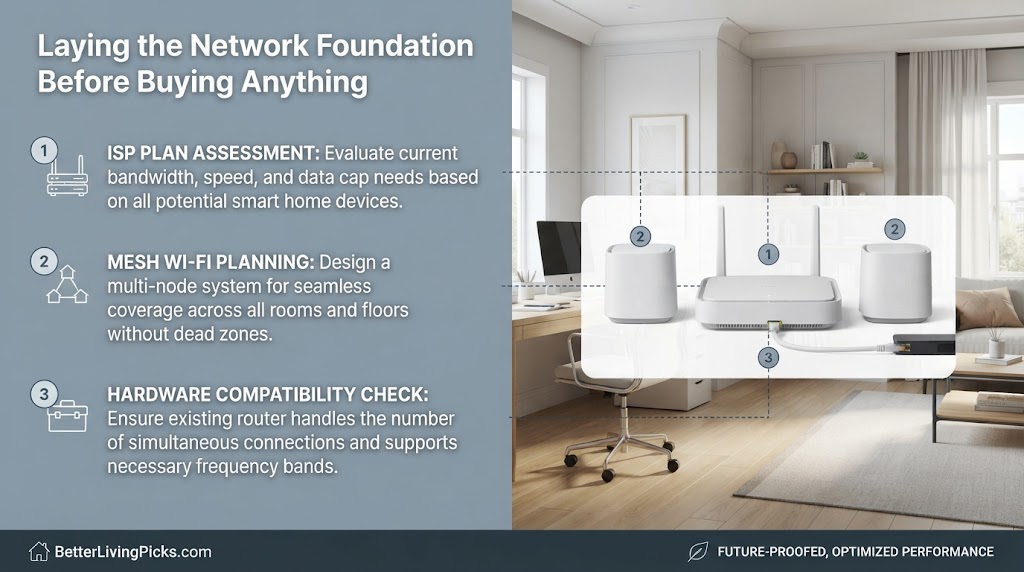
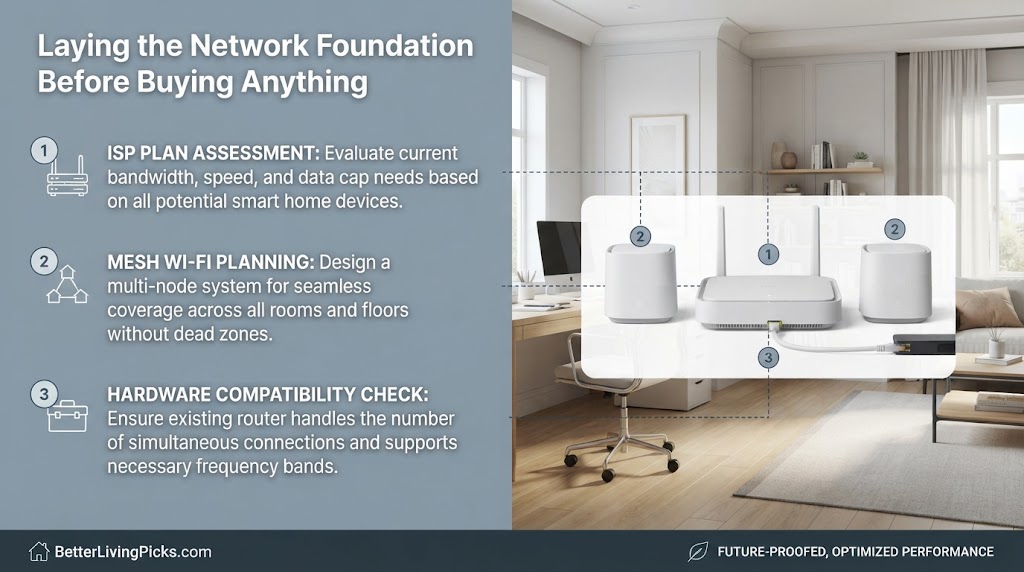
Most standard internet service provider routers buckle under heavy smart home traffic. Standard hardware often caps connected device limits around thirty active clients, leading to random dropouts once you add security cameras, smart plugs, and wireless bulbs.
Check your router’s maximum device threshold before purchasing your first gadget. If you live in a sprawling multi-room home, upgrading to a robust mesh router system ensures stable coverage across every single corner before smart devices enter the picture. This foundational step prevents countless hours of troubleshooting later.
When internet service providers hand you a standard gateway box, they optimize it for basic web browsing and streaming movies on a couple of phones. They do not design these stock routers to manage fifty continuous background connections from smart switches, door sensors, and voice assistants.
If your Wi-Fi signal drops every time someone fires up a 4K stream while your security cameras upload footage, your network infrastructure is already choking. Swap out the default ISP box or add dedicated mesh nodes to handle the heavy lifting before you spend a single dollar on consumer electronics.
2. Establishing a Dedicated IoT Sub-Network for Security
Putting cheap smart plugs and security cameras on your main computer network creates hidden security vulnerabilities. Many entry-level gadgets lack long-term software patch support, making them prime targets for malicious network intrusion attempts.
Log into your router settings and isolate your smart devices onto a guest network or a dedicated VLAN. This simple configuration ensures that even if a budget smart bulb gets compromised, hackers cannot access your personal laptop, financial records, or home server storage.
Security is the hidden landmine of early smart home adoption. Budget manufacturers often cut corners on firmware security updates to keep retail prices low, leaving gaping security holes open to automated botnets.
By separating your smart devices from your main trusted devices, you build an effective digital firewall inside your own home. If an inexpensive streaming stick or smart light bulb falls victim to an exploit, the attacker remains trapped in a sandbox network with zero visibility into your personal data or private computer systems.
3. Choosing Your Ecosystem Wisely
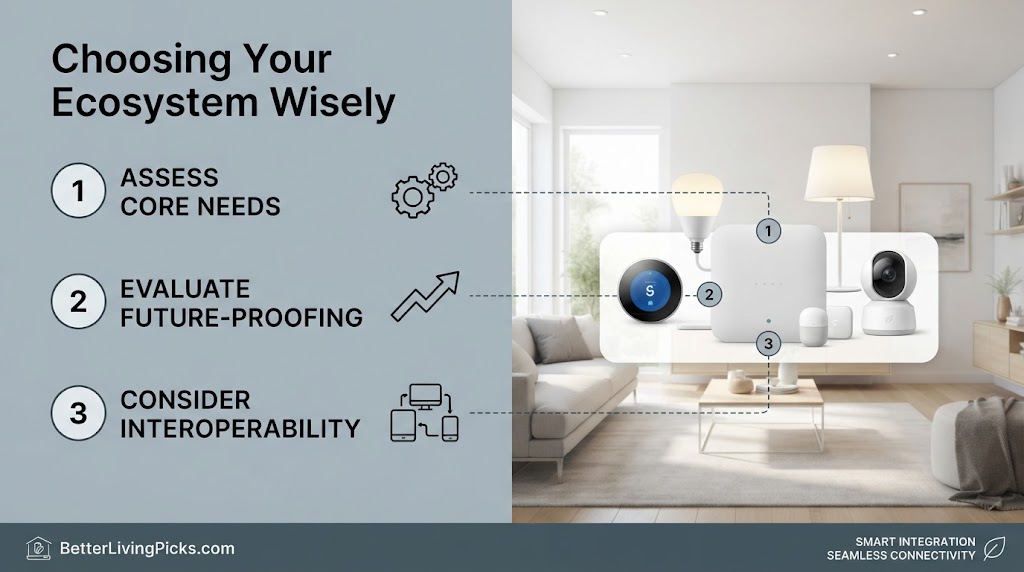
Picking an ecosystem dictates every future hardware purchase you make. Mixing ecosystems haphazardly leads to managing five different proprietary apps just to turn off a single floor lamp or check a live camera feed.
- Amazon Alexa: Offers the largest hardware compatibility pool and affordable speaker options for every room.
- Google Home: Excels at contextual voice search, routines, and media casting integration across devices.
- Apple HomeKit: Delivers superior end-to-end data encryption and local processing, though compatible devices cost significantly more.
The biggest mistake beginners make is buying whatever smart gadget happens to be on sale regardless of brand. You end up with a smart bulb that only works with Google, a thermostat tied exclusively to Alexa, and security cameras trapped inside a proprietary app.
Streamlining your life means choosing a single horse to back early on. Evaluate what hardware family dominates your existing household habits before locking into an app ecosystem for the long haul.
4. Prioritizing Local Control Over Cloud Dependency
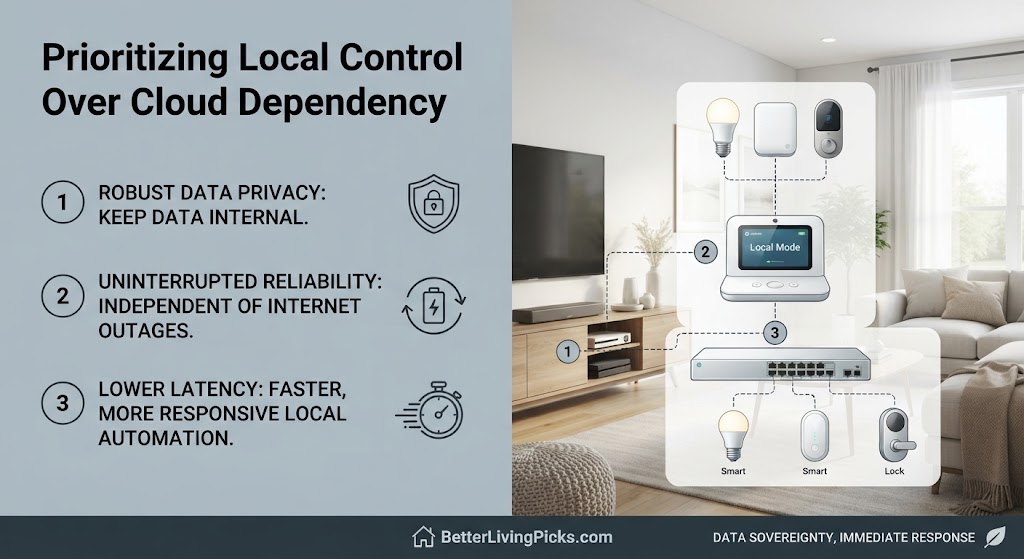
Many popular smart devices route your local button presses through remote servers halfway across the world. If your internet service drops or company servers crash, your smart switches stop working entirely.
Prioritize devices that support local execution or communication protocols like Matter and Apple HomeKit architecture. Local control means your lights still turn on via wall switches and local automations even during a total internet outage.
• Zigbee (2.4 GHz): Highly affordable and widely supported, though it can occasionally suffer from Wi-Fi channel interference.
• Z-Wave (908 MHz): Operates on a clearer sub-GHz frequency, completely avoiding Wi-Fi congestion and offering superior wall-penetration range.
• Thread: The modern IP-based standard powering the Matter protocol, ensuring ultra-low latency and bulletproof local multi-brand reliability.
There is nothing more humbling than standing in total darkness because an overseas cloud server farm suffered an unexpected outage. When cloud-dependent gadgets lose internet connectivity, they frequently become expensive paperweights until the manufacturer fixes their backend servers.
Insisting on local execution ensures your home stays functional even when your broadband connection goes down during a violent summer thunderstorm or provider maintenance window.
5. Smart Lighting as the Gateway Upgrade
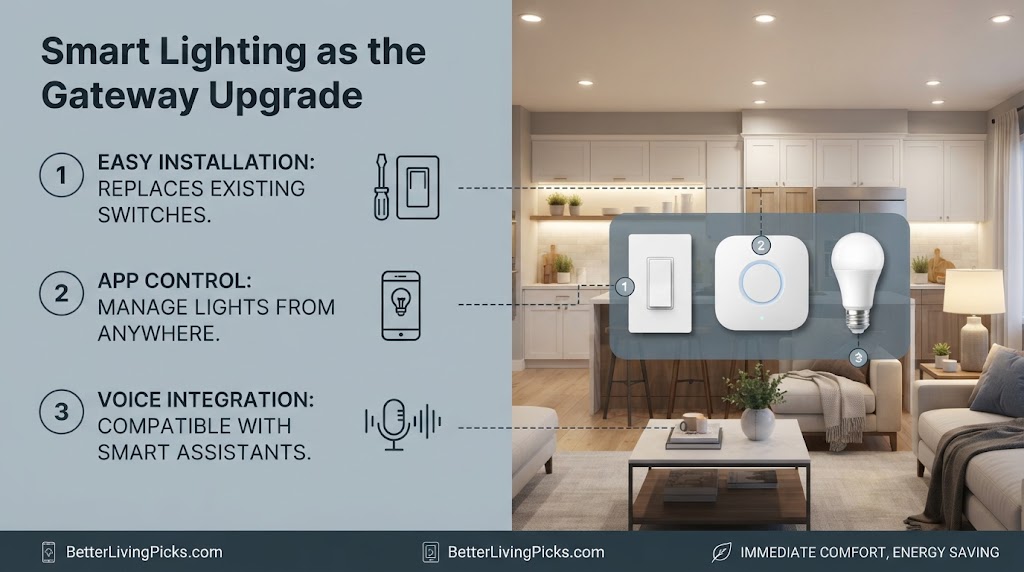
Deciding between smart bulbs and smart wall switches depends entirely on your rental status and electrical comfort level. Smart bulbs offer plug-and-play simplicity but render traditional wall switches useless if someone flips them off physically.
Smart switches require minor wiring work inside your wall box but keep your physical switches functional. If you own your home, replacing standard switches with smart dimmer switches provides a much cleaner, more natural user experience for family members.
Smart lighting is the classic gateway drug of home automation, but choosing the wrong hardware type causes immediate friction with family members. If you install smart bulbs in a hallway lamp and someone flips the physical wall switch off, the bulb drops offline permanently, breaking all automated routines.
Evaluate your household’s switch habits before buying. If family members cannot break the habit of hitting physical wall switches, smart wall switches are worth every penny of installation effort.
6. Programming Motion-Activated Evening Routines
Avoid complex automation scripts initially and start with simple rule-based triggers. Set your hallway lights to illuminate at ten percent brightness automatically whenever motion is detected between sunset and sunrise.
1. Enforce Two-Factor Authentication (2FA): Lock down your primary smart home app accounts with hardware tokens or authenticator apps rather than SMS codes.
2. Disable UPnP on Routers: Universal Plug and Play can allow malicious apps to bypass your router’s perimeter firewall.
3. Audit Firmware Regularly: Automate or manually check for security patches on all cameras, hubs, and smart locks quarterly.
This prevents blinding midnight trips to the kitchen without requiring you to fumble for your phone or shout voice commands in the dark. Designing these micro-routines transforms your lighting from a basic remote-control novelty into a genuinely helpful home assistant.
When you first dive into automation software, the temptation to build elaborate multi-step scripts is overwhelming. You might try linking your lights, thermostat, and audio system into a single massive sequence, only to watch it fail because one sensor dropped a packet.
Start with single-variable triggers. A simple motion sensor paired with a dim bulb path teaches you how automation logic behaves in real life without creating endless debugging headaches when things go sideways.
7. Securing Your Space with Smart Entry
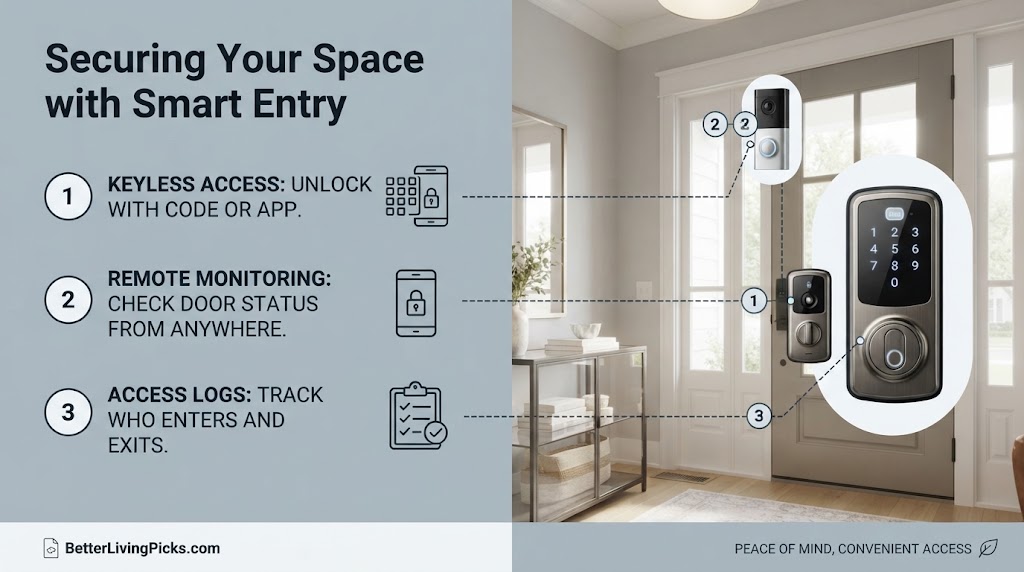
Video doorbells upgrade home security instantly, but older homes often lack the specific low-voltage transformer requirements needed to power them continuously.
- Check your existing doorbell chime voltage using a digital multimeter before buying.
- Opt for a battery-powered model with a quick-release mount if your current wiring setup cannot supply steady AC power.
- Position an indoor chime extender if your back rooms fail to hear the digital alert chime.
Installing a smart doorbell seems straightforward until you unscrew your old mechanical button and discover a mess of corroded wires from 1974. Many legacy doorbell transformers pump out inadequate voltage, causing continuous video doorbells to reboot constantly or drain their backup batteries within days.
When purchasing new hardware, always look for the Matter-certified badge. This guarantees that your smart bulbs, switches, and sensors will natively sync across multiple assistant platforms simultaneously without requiring proprietary cloud bridges or messy multi-app configurations.
Always inspect your underlying electrical conditions before mounting expensive hardware outside your front door. A quick voltage check saves you from drilling unnecessary holes into brick siding for devices that ultimately lack sufficient power delivery.
8. Managing Guest Access with Connected Smart Locks
Physical spare keys under doormats introduce unnecessary security risks. Smart locks let you issue temporary, time-bound entry codes to dog walkers, contractors, or family members.
Choose a retrofit smart lock model that leaves your exterior key cylinder intact. This lets you maintain traditional mechanical access as a fallback while adding smartphone unlock capabilities.
Handing out physical house keys creates a perpetual security audit nightmare when keys go missing or contractors finish their jobs. Smart locks solve this by letting you generate custom entry PIN codes that expire automatically after specific dates or hours.
However, fully motorized smart deadbolts can struggle if your front door sags or suffers from seasonal wood swelling. Retrofit locks that turn your existing interior thumb-turn provide a brilliant middle ground, preserving your smooth mechanical key cylinder while adding complete wireless access control.
9. Climate and Energy Control
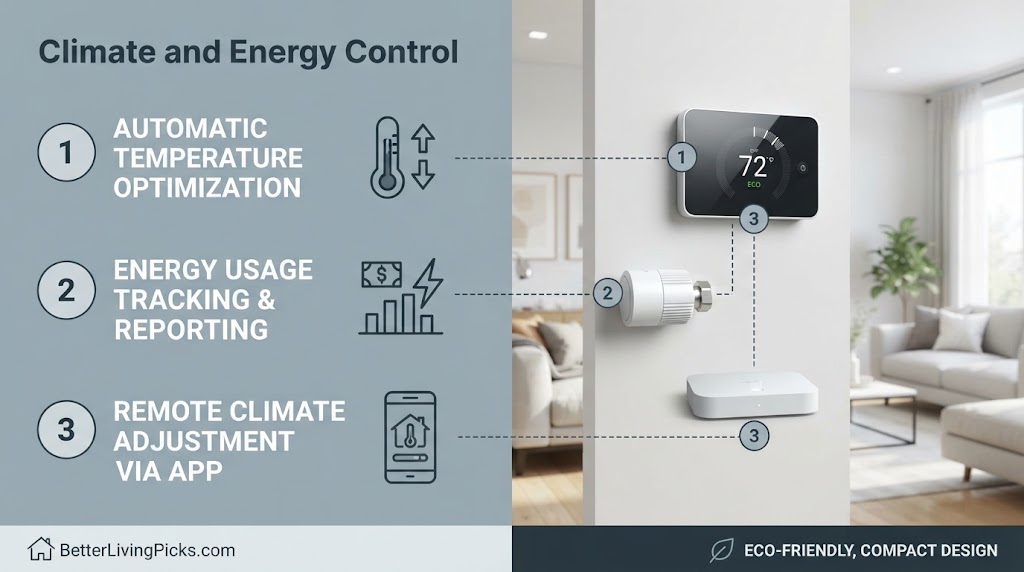
Smart thermostats cut monthly heating and cooling bills by learning your daily schedule and automatically adjusting when rooms sit empty.
• The Trigger: What exact event starts the routine? (e.g., Motion sensor detects activity).
• The Conditions: Are parameters met? (e.g., *Only* if time is between sunset and sunrise AND home mode is set to ‘Night’).
• The Action: What changes? (e.g., Illuminate path lights to 10% brightness).
Transitioning from a dumb mechanical dial to an internet-connected thermostat is one of the few smart home upgrades that pays for itself over time. These units analyze local weather forecasts, thermal mass properties of your walls, and your personal presence patterns to optimize HVAC run times.
Instead of blasting air conditioning into an empty house all afternoon, a smart thermostat scales back usage until geofencing triggers signal you are driving home from work. This simple optimization reduces structural energy waste without sacrificing indoor comfort.
10. Tracking Energy Use with Smart Plugs
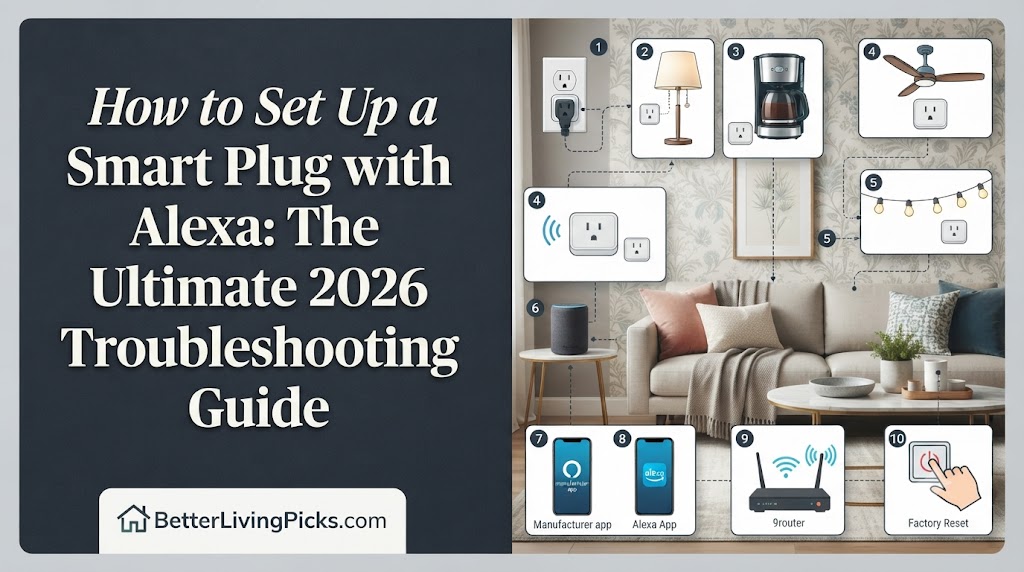
Appliances draw phantom power even when turned off, silently driving up monthly utility bills. Plug entertainment consoles or home office setups into energy-monitoring smart plugs to track exact kilowatt-hour consumption metrics via your phone.
Use these consumption reports to identify power-hungry appliances and schedule automated power cutoffs overnight.
Many homeowners are shocked to discover how much electricity entertainment centers and desktop computer setups consume in standby mode. Standard power strips leave devices vulnerable to vampire power loads that drain electricity silently around the clock.
• Mixing Smart Bulbs with Smart Switches: Putting a smart bulb on a smart switch creates a double-cut scenario where cutting power bricks your remote connectivity.
• Ignoring Neutral Wire Requirements: Many advanced hardwired smart dimmer switches require a neutral wire bundle hidden deep inside the wall box; always verify your wiring configuration beforehand.
• Overloading Wi-Fi Channels: Installing dozens of cheap Wi-Fi-only bulbs instead of mesh-backed protocol bulbs will quickly overwhelm standard home routers.
Energy-monitoring smart plugs provide granular data visualization right inside your mobile app. By viewing exact usage graphs, you can pinpoint inefficient appliances and schedule automated power shutdowns during sleeping hours, keeping your monthly utility footprint lean.
11. Hands-Free Voice Control and Hubs
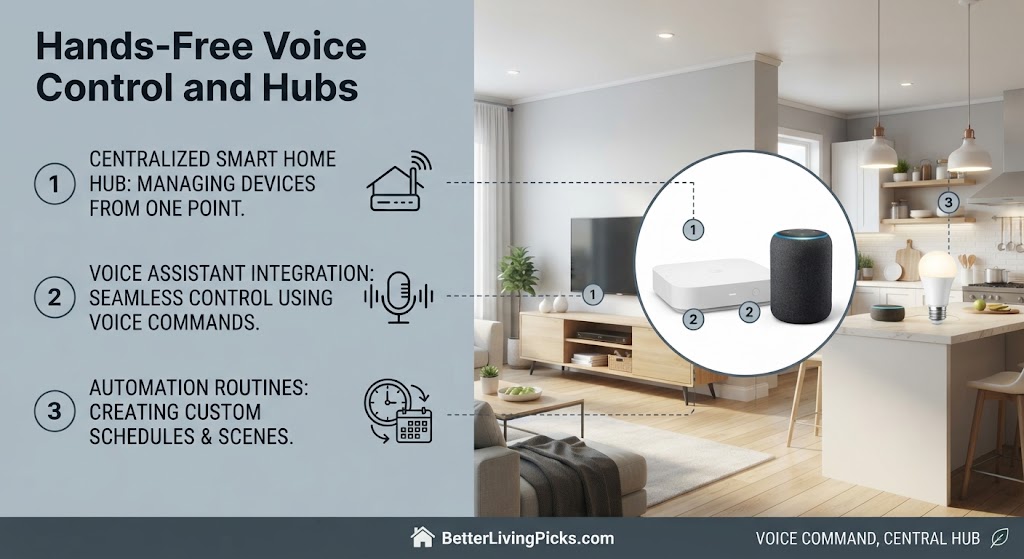
Smart speakers rely on far-field microphone arrays to capture wake words accurately. Avoid stuffing smart speakers inside closed bookshelves or placing them directly next to loud kitchen extractor fans.
Center your voice assistants in open common areas where family members naturally converse to drastically reduce misunderstood commands.
Positioning your smart speakers correctly dictates how smooth your daily voice interactions feel. If a speaker is buried deep within an entertainment center cabinet, background audio reverberation muddies the microphone input, forcing you to repeat simple commands multiple times.
Treat voice assistant hardware like acoustic instruments. Place them on open countertops or wall mounts where sound waves travel freely, ensuring your wake words register cleanly on the first try.
12. Creating Multi-Room Audio and Broadcast Zones
Linking multiple smart speakers allows you to broadcast audio announcements throughout the house without raising your voice. Group speakers into zones so you can stream music seamlessly from the kitchen through the patio during weekend gatherings.
Coordinating multi-room audio transforms disconnected smart speakers into a unified household sound system. Instead of blasting music from a single kitchen speaker that fails to reach the backyard, you can group devices into seamless audio zones via your companion app.
This infrastructure also doubles as an indoor intercom system, letting you broadcast dinner announcements or check in on family members in distant rooms without shouting across hallways.
13. Troubleshooting Common Beginner Pain Points
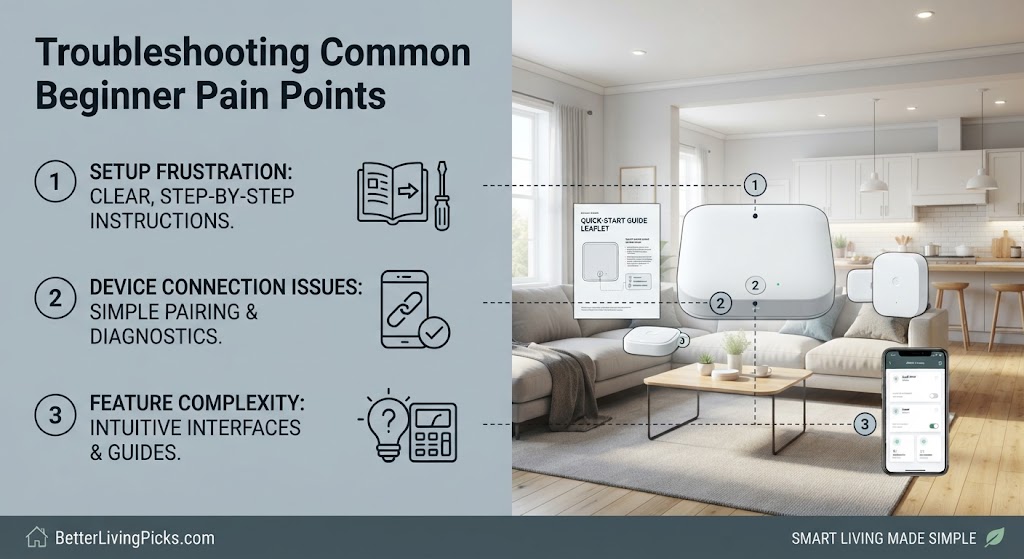
Devices dropping offline randomly usually suffer from IP address lease exhaustion on cheap router firmware. Assign static local IP addresses to stationary smart home hubs and security cameras inside your router settings dashboard.
• Continuous Power Needs: Unlike old mechanical dials that rely on internal batteries, color-screen smart units draw continuous power from a 24V common wire (C-wire).
• The Power Adapter Kit: If your older wall bundle lacks an unused C-wire, you must install an external power extender kit at your HVAC control board to prevent system reboots and blown fuses.
This prevents connection handshakes from breaking every time your router cycles its daily maintenance protocols. When a smart plug or camera goes offline for no apparent reason, dynamic IP lease expiration is frequently the culprit.
Standard routers hand out local IP addresses dynamically, meaning your devices change network addresses every few days. If a device fails to negotiate its new lease correctly, it disappears from your app interface entirely. Locking down static IP assignments for your core infrastructure puts an immediate end to this frustrating cycle.
14. Bridging Ecosystem Silos for Cross-Brand Automation
When your security system comes from one brand and your lights from another, standard native apps may refuse to cooperate. Introduce a software bridge or universal automation layer to tie disparate APIs together safely.
Proprietary walled gardens love keeping their hardware locked inside their own mobile apps. If you bought security gear from Brand A and smart lighting from Brand B, native apps often fail to build cross-platform automations.
Deploying a local software hub or adopting open-source automation servers bridges these communication gaps. It lets disparate devices share state data locally, allowing your entryway motion sensor from one manufacturer to trigger lights from an entirely different ecosystem.
• Retrofit Deadbolts: These attach to your interior thumb-turn while keeping your exterior key cylinder untouched, making them ideal for renters or homeowners who want a quick 10-minute installation.
• Motorized Replacement Locks: Full hardware replacements offer sleek designs and built-in touchpads, but they can jam easily if your front door sags or suffers from seasonal wood swelling during winter months.
15. Scaling Up: Moving to Intermediate Automation
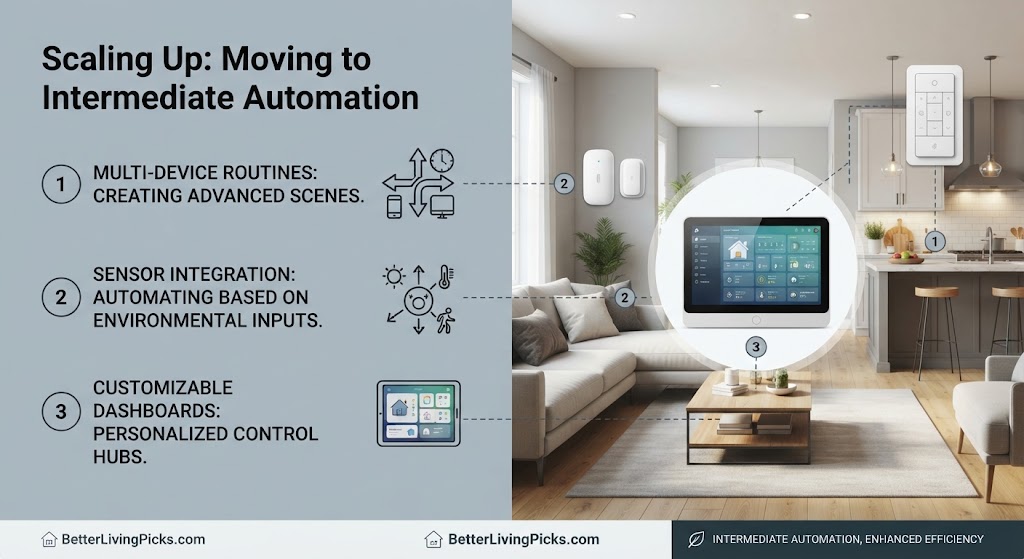
Once basic voice controls feel second nature, advance to invisible triggers like geofencing. Program your home to arm security cameras and shift thermostat targets downward the exact moment your phone leaves a half-mile radius around your property.
Moving past basic voice commands opens the door to true ambient computing where your home reacts automatically without manual input. Geofencing uses your smartphone’s background GPS data to track your proximity to the house.
When the last resident drives away, background routines lock doors, shut off rogue electronics, and arm security sensors automatically. This evolution shifts your smart home from a remote-control gimmick into an intuitive living ecosystem that anticipates your daily needs.
- Strengthen your network first: Always upgrade your router capacity and isolate IoT devices before buying hardware.
- Pick one ecosystem: Stick to a single primary platform (Alexa, Google, or Apple) to prevent cross-app management headaches.
- Start with lighting and plugs: Low-risk entry devices let you learn automation logic without invasive physical installations.
- Prioritize local control: Choose local-executing protocols whenever possible to keep your home functional during internet outages.
Frequently Asked Questions
Do smart homes still work if the internet goes down?
Local automations and physical hard-wired smart switches continue working depending on your protocol choices. Cloud-dependent cameras and remote voice commands will fail until your broadband connection recovers.
Can I install smart light switches without an electrical background?
Standard single-pole smart switches require basic wiring skills, wire strippers, and a voltage tester to confirm power is cut. If your wall boxes feature complex multi-way traveler wiring or look cluttered, hiring a licensed electrician ensures safety.
Are smart home devices safe from hackers?
No connected device is completely immune to security threats, but basic precautions drastically lower risk. Change default factory admin passwords immediately and keep your firmware updated.
Do I need a subscription fee for smart security cameras?
Some brands require monthly cloud subscription fees to access video history playback and advanced AI person detection. Other manufacturers offer local microSD card storage options that eliminate recurring fees entirely.
What frequency band should my smart devices use?
Almost all smart plugs, bulbs, and basic sensors require a 2.4 GHz Wi-Fi frequency band. The 2.4 GHz band penetrates walls better and travels further than 5 GHz, making it optimal for sprawling device networks.
Can renters build a functional smart home?
Renters can easily deploy extensive smart ecosystems using smart plugs, smart bulbs, battery-powered video doorbells, and tension-mount smart lock covers. All of these devices pack away cleanly without violating lease agreements.
What is the Matter protocol and why does it matter?
Matter is a universal smart home connectivity standard supported by major tech giants. It allows devices from competing brands to communicate locally on your network without relying on cloud bridges.
How do I troubleshoot a device that keeps going offline?
Power-cycle the device by unplugging it for ten seconds, then verify your router is not placing it on an overcrowded channel. Moving your wireless router closer or adding a mesh node often solves persistent signal drops.
Will smart thermostats save me money on utility bills?
Smart thermostats typically pay for themselves over time by curbing heating and cooling waste when rooms are empty. Savings vary based on local climate patterns and how strictly you configure your daily setback schedules.
Is voice control secure for unlocking doors or gates?
Most platforms require a spoken PIN code or secondary physical smartphone confirmation before allowing voice commands to unlock doors. This stops outsiders from shouting commands through an open street-facing window.
Building Your Long-Term Connected Sanctuary
Building a smart home shouldn’t feel like an endless cycle of technical frustration or network troubleshooting. By taking things one room at a time, solidifying your home network backbone, and selecting hardware that fits your actual lifestyle needs, you will create a seamless environment that works for you quietly behind the scenes.
Start small with lighting or plugs, test your routines to understand how automation logic behaves, and scale up toward advanced security and geofencing over time. Your connected living space should simplify your daily routine, protect your household privacy, and provide total peace of mind for years to come.